← Back to repairs Call (386) 597-2932

Free safety tips · Riano Group, Palm Coast

Stay safe from scams

Simple advice from your local computer shop. One new tip every month, easy to read and easy to share with the people you love.

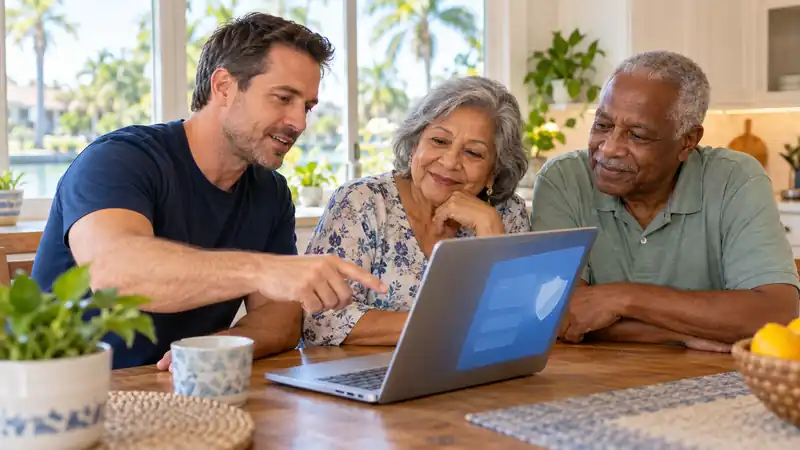
Friendly technician helping a senior couple with their laptop at home
Tip of the Month

Don't trust emails about "a problem with your bank account"
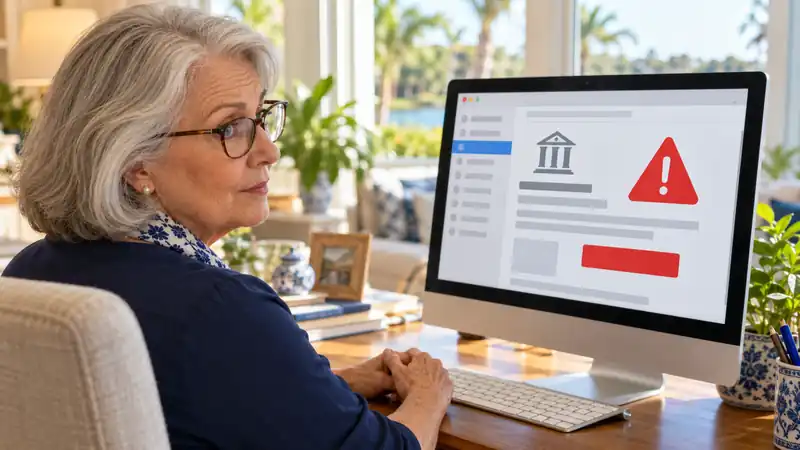
Senior woman looking carefully at a suspicious email on her computer
  • Most emails saying your account is locked, suspended or has a problem are fake. This is called phishing.
  • Don't click the links or buttons in those emails, and don't reply.
  • Call your bank yourself using the number on the back of your card, or type the bank's website yourself.
  • Not sure? Show it to us at the counter. We'll tell you if it's real.

Remember: your bank will never ask for your password, PIN or Social Security number by email.
Think you were scammed? Do this now

  1. Hang up or close the message. Don't pay anything, and never with gift cards.
  2. Call your bank with the number on the back of your card and tell them what happened.
  3. If someone connected to your computer, turn it off and don't use it for banking.
  4. Bring your computer to us. We check it, remove what doesn't belong and tell you what to do next.
Call Riano Group: (386) 597-2932

More safety tips

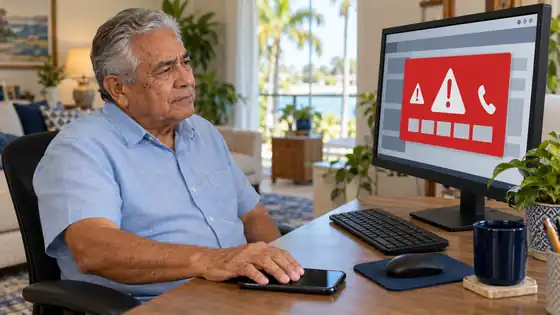
Senior man refusing to call the phone number on a fake virus warning

Never call a number that pops up on your screen

A big red "virus warning" with a phone number is always a scam. Microsoft, Apple and your bank will never put a number on your screen or call you about a virus. Close the browser, or turn the computer off.

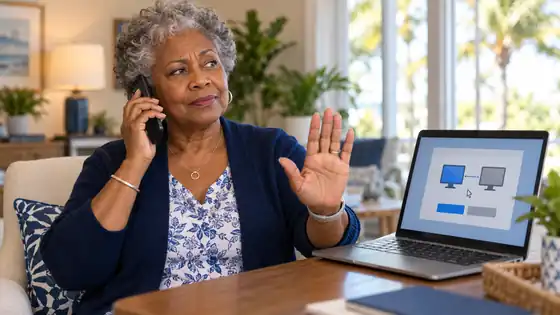
Senior woman saying no to a caller asking for remote access to her computer

Don't let strangers into your computer

If someone you don't know asks you to install a program like AnyDesk or TeamViewer so they can "fix" your computer, say no and hang up. With that program they can see and control everything, including your bank.

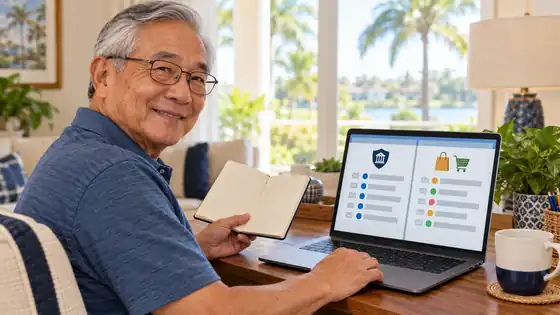
Senior man organizing two separate email accounts on his laptop

Use one email just for important things

Create a separate email only for your bank, credit cards, Medicare and government accounts, and never share it. Use your everyday email for shopping and social media. If a "bank" message ever shows up in your everyday email, you'll know right away it's a scam.

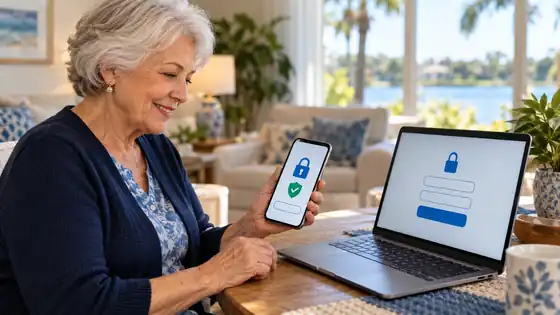
Senior using 2-step verification code on her phone to protect her Google account

Turn on 2-step verification in your Google account

Many people keep all their passwords saved in their Google account. If a scammer steals that one password, they get into everything: email, bank, Facebook. With 2-step verification, they also need a code from your phone, so the password alone is not enough. It takes 5 minutes, and we can turn it on for you.

  • Gift cards = scam. No real company or government office asks you to pay with gift cards.
  • "Your package couldn't be delivered" texts are a trap. Don't tap the link.
  • Fake Amazon or PayPal charges: don't click. Open the app or website yourself.
  • "Grandma, I'm in trouble, send money": hang up and call your grandchild at their usual number.
  • Different passwords: don't use the same password for everything.
  • Keep updates on. Windows and phone updates close the doors scammers use.

We can help you stay protected

McAfee & Norton antivirus

We sell and install McAfee or Norton for one computer or for the whole family, and set it up the right way.

Full Security Tune-Up

We turn on 2-step verification in your Google account, check your saved passwords, update your computer and remove anything suspicious.

Computer safety check

Got a strange pop-up, call or email? Bring your computer in. We check it and tell you if something is wrong.

A safe email for your bank

We help you set up a separate, secure email just for your important accounts.

Riano Group · 9 Palm Harbor Village Way, Suite B, Palm Coast, FL 32137 · Monday – Friday, 9:30 AM – 4:30 PM. McAfee and Norton are trademarks of their respective owners.